Orders and payments
Take orders at the counter or table-side and process payments quickly.

Powerful, flexible POS for every stage of your business.
The Goopter Smart POS Duo and Smart POS Solo are all-in-one countertop POS terminals designed to be the operational center of your business. Each can serve as the main server and primary POS terminal for an on-premises deployment, so your business keeps running locally without depending on an external cloud server or a constant Internet connection. Or connect to Goopter's cloud platform for centralized management and remote access. Whether you run a restaurant, café, retail store, or service business, Smart POS gives you a reliable, scalable foundation for daily operations.
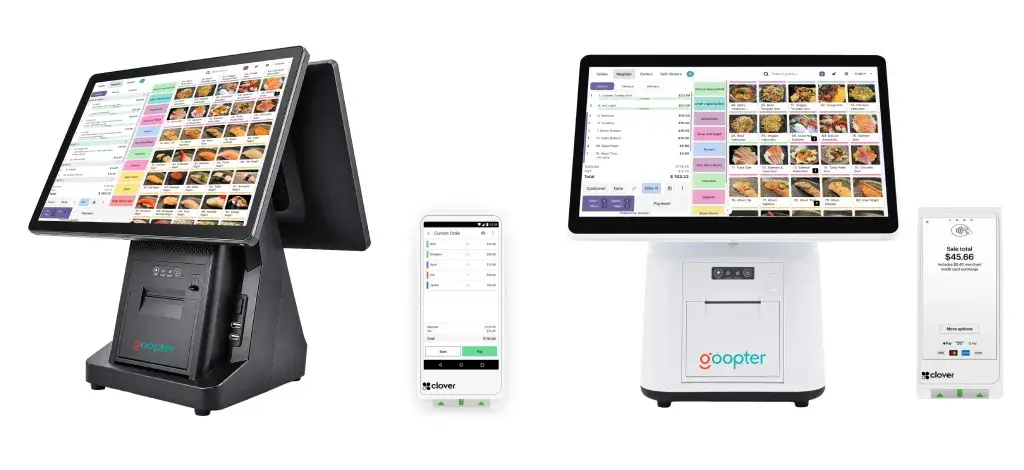
Built-in receipt printer, with support for kitchen printers, cash drawers, barcode scanners, and other peripherals.
Run locally as your own main server, or manage everything centrally through Goopter's cloud platform.
Take orders at the cashier counter, or add iPads and iPhones for table-side mobile ordering.
Orders, payments, inventory, customer records, discounts, promotions, taxes, and tips.
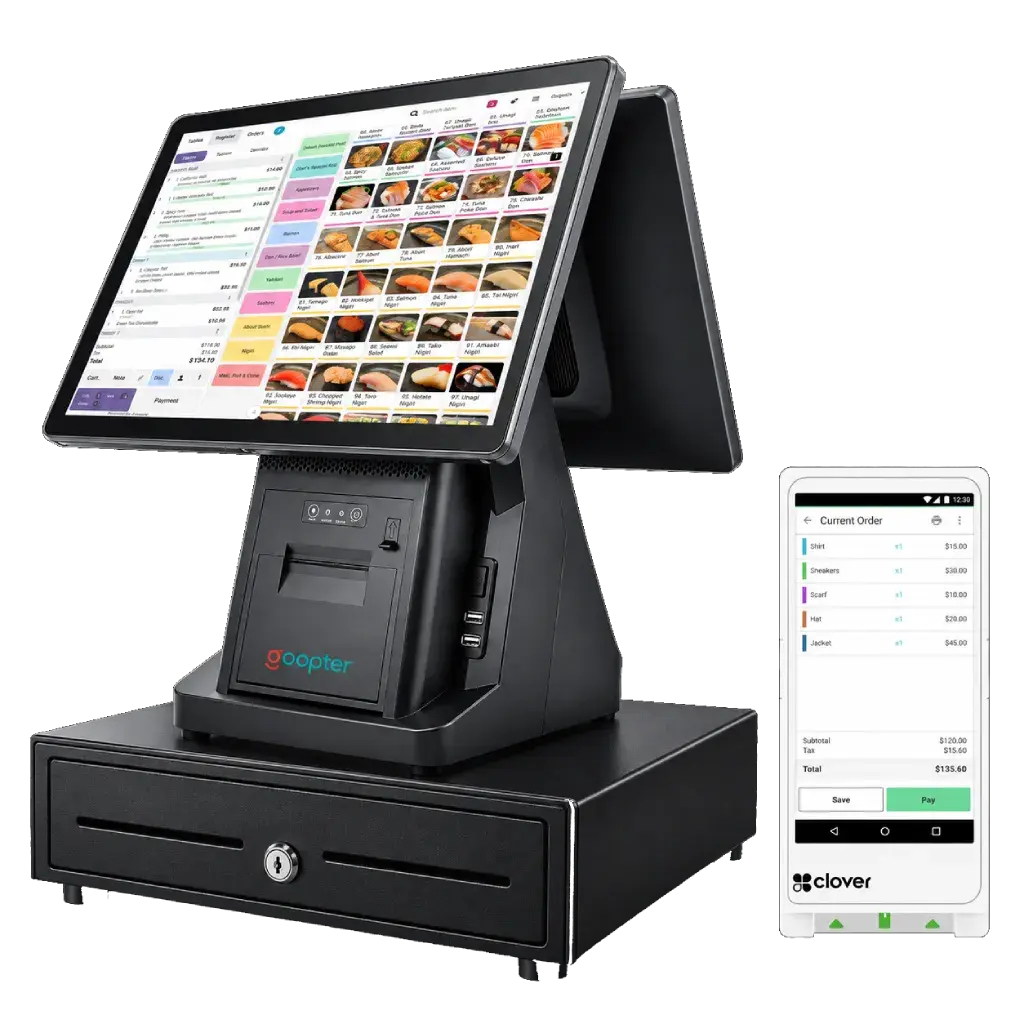
The Smart POS Duo or Solo can serve as the main server and primary terminal for an on-premises deployment, keeping essential POS operations running locally even when the Internet connection is unavailable.
The on-premises architecture reduces dependency on external servers and Internet connectivity, helping your business continue essential operations during network interruptions.
Prefer centralized management? Connect to Goopter's cloud platform for remote access, reporting, and control from anywhere.
Both the Smart POS Duo and Smart POS Solo run the full Goopter Smart POS, include a built-in receipt printer, and can serve as the main server for an on-premises deployment. The difference: the Duo adds an integrated customer-facing display, so customers can review their order, select a tip, follow the checkout process, and view promotional content. The Solo is the compact, single-screen option for tight counters or secondary stations.
| Smart POS Duo | Smart POS Solo | |
|---|---|---|
| Merchant touchscreen | 15-inch, 1366 × 768 | 15-inch, 1366 × 768 |
| Customer-facing display | Integrated 15-inch second display | — |
| Built-in receipt printer | Yes, 80 mm thermal | Yes, 80 mm thermal |
| Main server for on-premises deployment | Yes | Yes |
| Cloud deployment | Yes | Yes |
| Peripheral support | Kitchen printers, cash drawer, barcode scanner (Zebra DS2208 or compatible), 2 × USB | Kitchen printers, cash drawer, barcode scanner (Zebra DS2208 or compatible), 2 × USB |
| Payments | Clover Flex and Clover Mini payment terminals | Clover Flex and Clover Mini payment terminals |
| Best for | Front counters where customers review orders and select tips | Compact counters, back-of-house stations, and additional terminals |
Start with one Smart POS terminal and add more Duo or Solo units as you grow, or use compatible iPads and iPhones as additional ordering and POS devices.
A built-in receipt printer keeps checkout fast. Connect kitchen printers, order printers, cash drawers, barcode scanners, and other supported peripherals as needed.
Let customers review their order, select a tip, follow the checkout process, and see your promotions on the integrated second screen.
Goopter Smart POS keeps track of everything you sell and everyone you serve.
Take orders at the counter or table-side and process payments quickly.
Track stock, manage items and modifiers, and keep your menu or catalog current.
Maintain customer records and apply discounts and promotions with a tap.
Handle taxes and tips automatically, with clear records for every sale.
Smart POS Solo specifications are shown as identical to the Duo apart from the customer-facing display. [Confirm Solo specs]
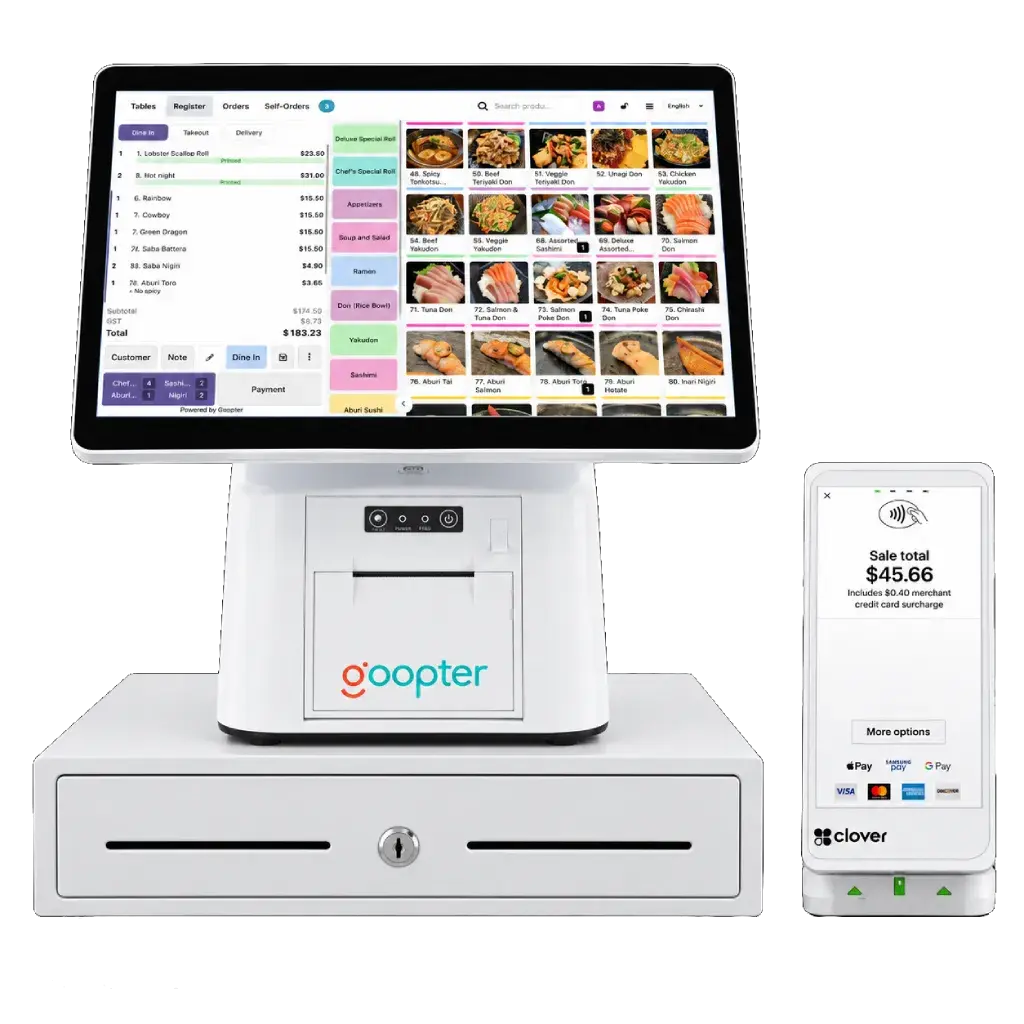
Both run the same Goopter Smart POS software and include a built-in receipt printer. The Duo adds an integrated customer-facing display for order review, tipping, and promotions; the Solo is a compact single-screen terminal.
Yes. In an on-premises deployment, the Smart POS Duo or Solo acts as the main server, so essential operations such as ordering and checkout continue locally during Internet interruptions.
Yes. Goopter Smart POS also runs on touchscreen PCs with Windows, Ubuntu, or macOS, as well as on iPad and iPhone.
Yes. Add additional Duo or Solo terminals, or use iPads and iPhones as extra ordering and POS devices, at any time.
Receipt and kitchen printers (any ESC/POS-compatible model, including Star and Epson), cash drawers, and barcode scanners such as the Zebra DS2208. Payments are processed through Clover Flex or Clover Mini terminals.
Talk to our team about the Duo, the Solo, and the right mix of add-ons for your counter.