
Take orders and run your business from the phone you already carry.
Goopter Smart POS for iPhone puts the full Goopter POS in the palm of your hand. It is ideal for servers taking orders at the table, staff busting lines during the rush, and businesses that sell on the move. Use it on its own with Goopter's cloud platform, or as a mobile terminal connected to your Smart POS Duo or Solo.
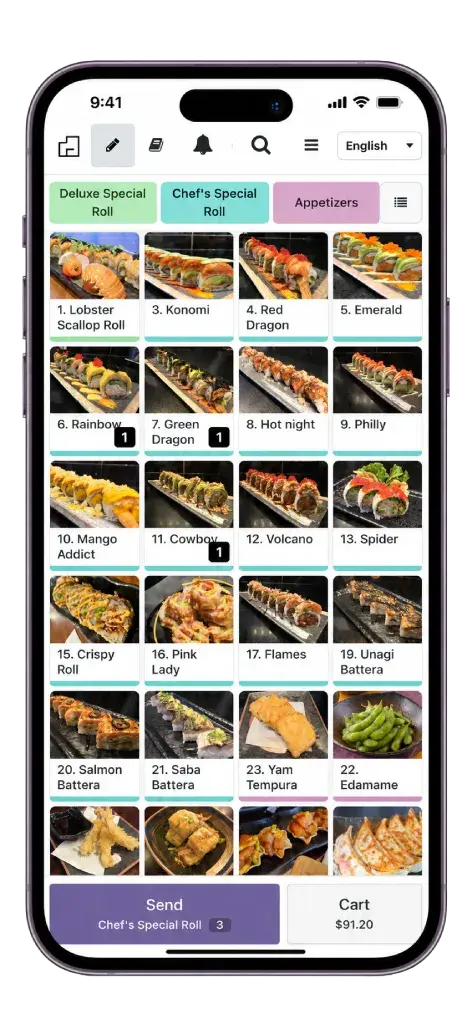
Orders, payments, inventory, customers, discounts, promotions, taxes, and tips, on the phone your staff already carries.
Take orders at the table, or work the queue so customers are served before they reach the counter.
Run with Goopter's cloud platform, or pair with a Smart POS Duo or Solo main server on-premises.
Markets, food trucks, deliveries, and home services: with Wi-Fi or cellular data, wherever your business goes, the POS goes too.
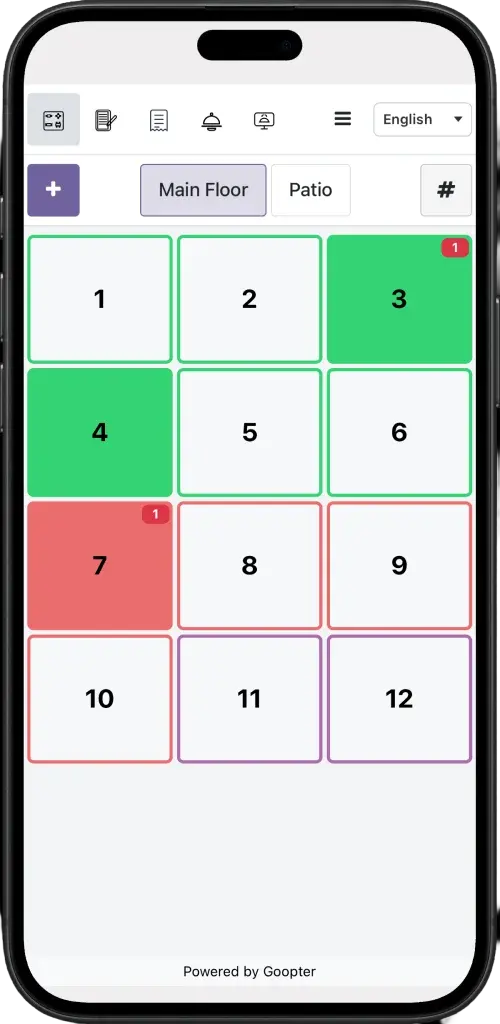
Servers enter orders at the table and send them straight to the kitchen printer or Smart KDS, with no trips back to a terminal.
Equip each server with an iPhone as an additional ordering device, all connected to the same Goopter system.
Orders entered once, at the source, mean fewer mistakes and quicker service during peak hours.
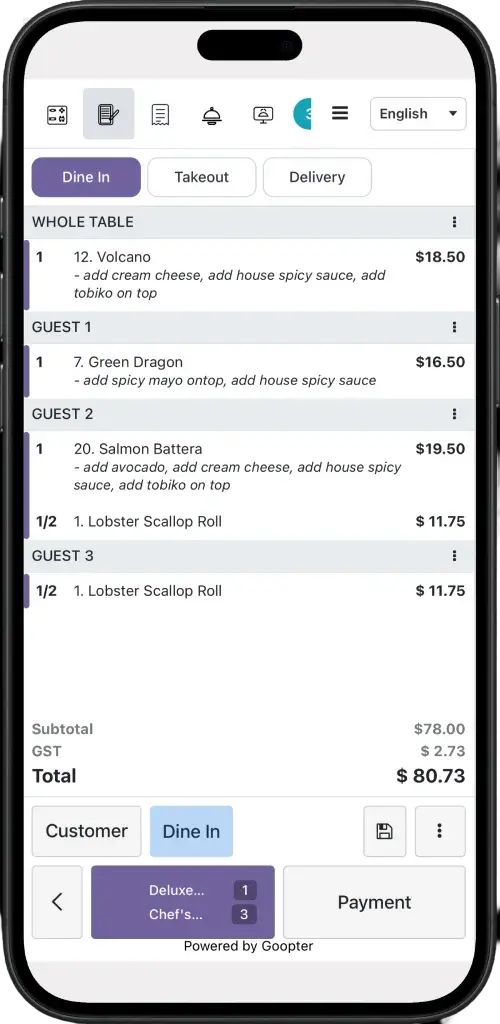
Start taking orders from customers in the queue during peak periods, so the counter only handles payment and pickup.
Food trucks, market stalls, pop-ups, delivery, and service calls: Smart POS for iPhone goes wherever your business goes.
Every sale on every iPhone appears in the same Goopter system as your countertop terminals.
All three run the same Goopter Smart POS. Choose by where and how you will use it.
| Smart POS Duo / Solo | Smart POS for iPad | Smart POS for iPhone | |
|---|---|---|---|
| Form factor | All-in-one countertop terminal | Tablet, on a countertop stand or handheld | Handheld phone |
| Built-in receipt printer | Yes | Pair an external printer | Pair an external printer |
| Customer-facing display | Duo: integrated | — | — |
| On-premises main server | Yes | Connects to a Duo/Solo server, or runs in the cloud | Connects to a Duo/Solo server, or runs in the cloud |
| Table-side ordering | Add iPad or iPhone | Yes | Yes |
| Best for | Primary front counter | Counter checkout and table-side ordering | Table-side, line-busting, and mobile service |
Specifications are shown as they apply to each configuration.
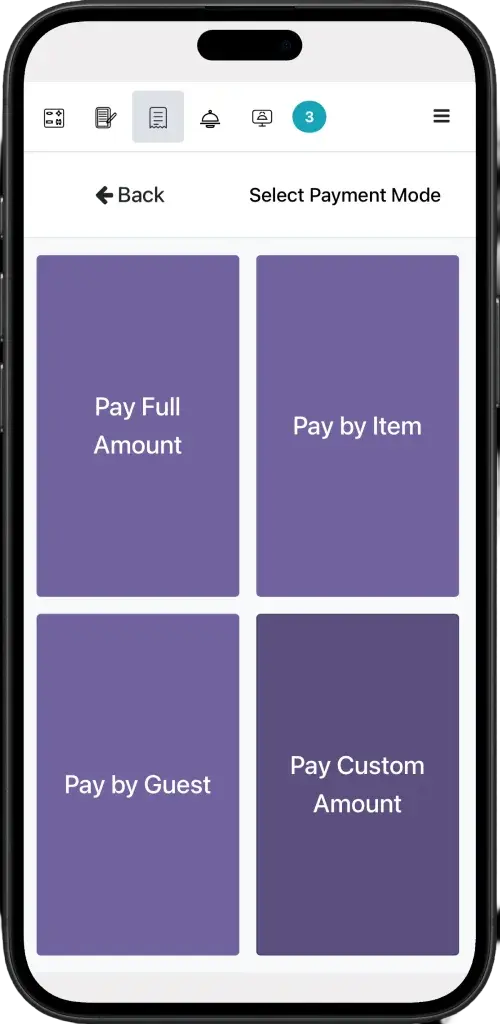
It is the full Goopter Smart POS, with the same orders, payments, inventory, customer, discount, promotion, tax, and tip management as the countertop terminals, in a handheld format.
Yes. It can run on its own with Goopter's cloud platform. Pair it with a Smart POS Duo or Solo if you want an on-premises main server.
Orders submitted on the iPhone go instantly to your kitchen printer or Goopter Smart KDS.
Yes, with any ESC/POS-compatible receipt printer, including Star and Epson thermal models, or through a Smart POS Duo or Solo's built-in printer.
iPhone 11 and newer, running iOS 18 or later.
Ask us about Smart POS for iPhone for table-side ordering, line-busting, or mobile sales.