iPad kiosk
A compact, familiar option for cafés and counters: any iPad with a 10-inch or larger screen, 16 GB of storage, and iPadOS 18 or later, plus a stand or enclosure and a payment terminal.

Customers order and pay themselves, on hardware you choose.
The Goopter Smart Self-Service Kiosk lets customers browse the menu, customize their selections, place orders, and complete payment through a connected card reader, all on their own. It runs on iPads and touchscreen PCs with Windows or Ubuntu, so you can deploy self-service ordering without investing in expensive proprietary kiosk hardware. It is ideal for quick-service restaurants, cafés, food courts, takeout businesses, and other high-volume environments looking to shorten queues and improve ordering efficiency.
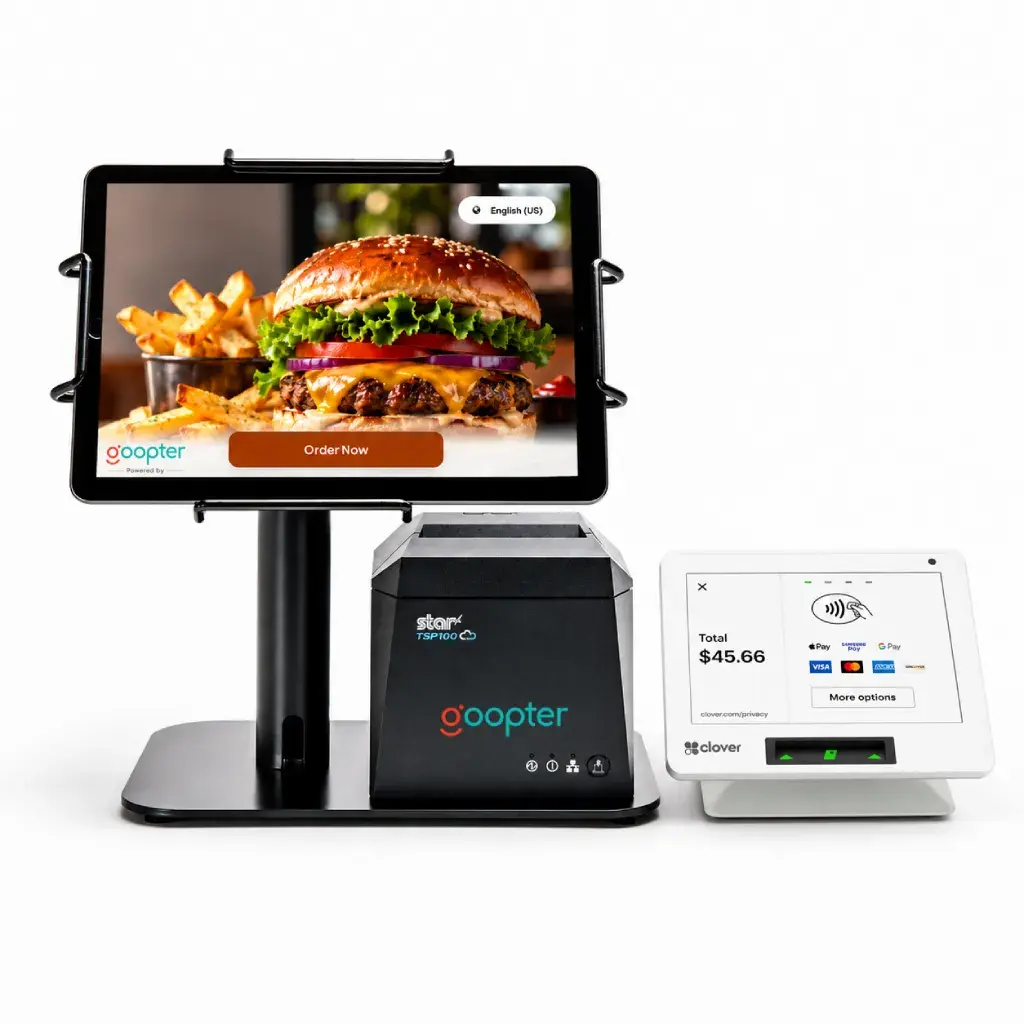
Customers browse, customize, review, and pay through a connected Clover Flex or Clover Mini terminal.
iPad, or a touchscreen PC running Windows or Ubuntu.
Cost-effective, widely available devices instead of proprietary kiosk systems.
Run several kiosks side by side to serve more customers at once during peak hours.
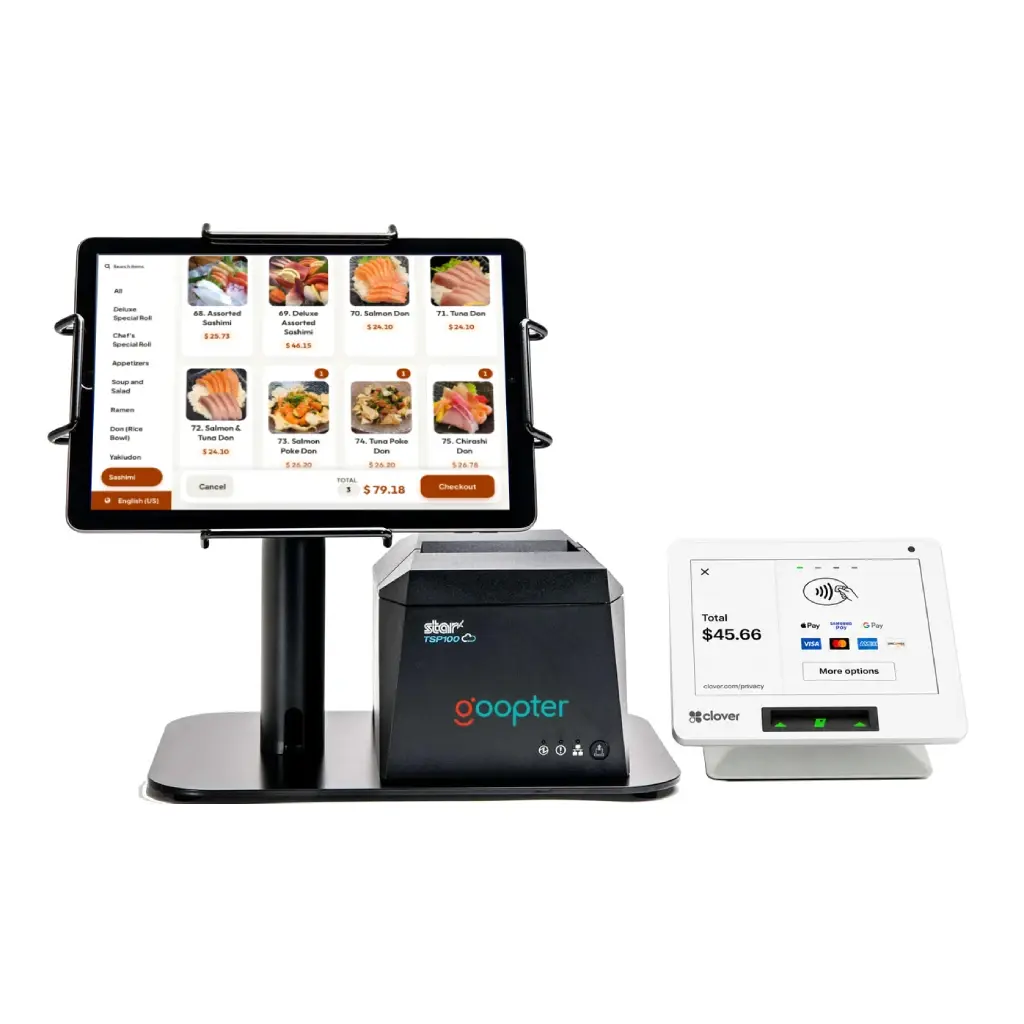
Customers browse products or menu items, customize selections, review their order, and submit it independently.
Customers complete payment directly through a connected, supported payment terminal or card reader.
Customers review and confirm their own selections before submitting.
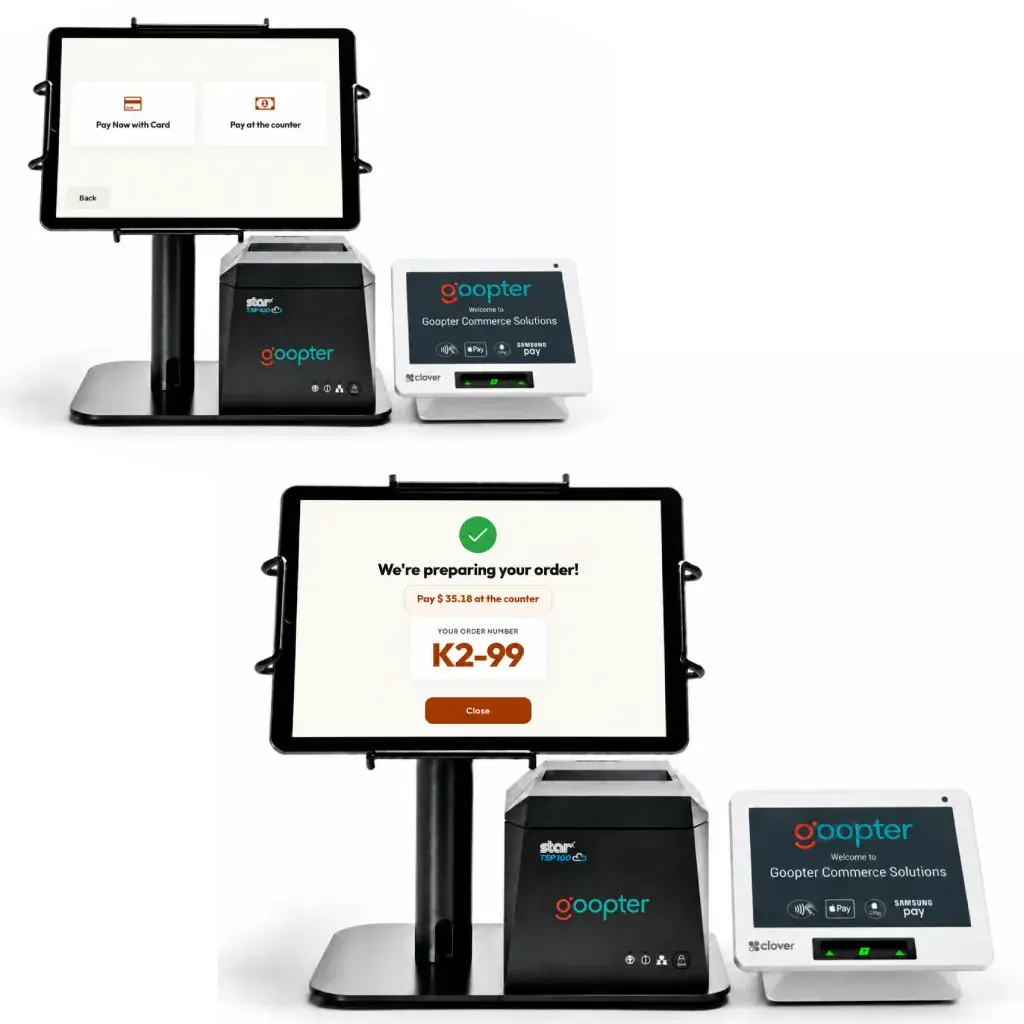
The Goopter Smart Self-Service Kiosk lets customers choose to pay directly at the card reader or pay at the counter. If "Pay at the Counter" is selected, the kiosk clearly reminds the customer to complete payment at the counter and prints a receipt with the order number.
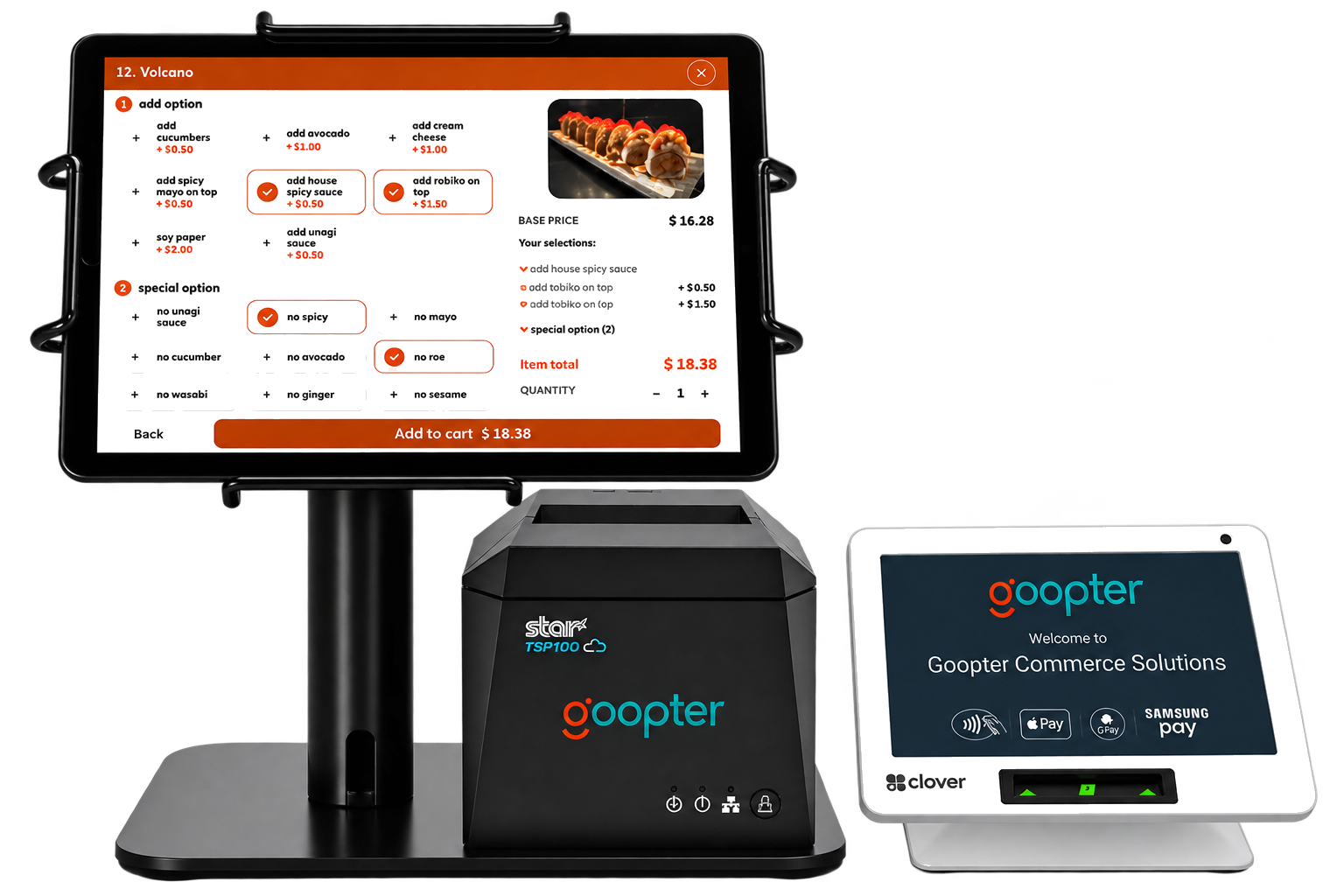
Shift routine order entry away from cashiers so staff can focus on preparation, fulfillment, and customer service.
Multiple kiosks process customers simultaneously during peak periods.
Digital ordering consistently presents modifiers, add-ons, upgrades, and promotional items.
Use cost-effective, widely available hardware instead of expensive proprietary kiosk systems.
A compact, familiar option for cafés and counters: any iPad with a 10-inch or larger screen, 16 GB of storage, and iPadOS 18 or later, plus a stand or enclosure and a payment terminal.
A 15-inch or larger Windows or Ubuntu touchscreen PC (8 GB RAM, 64 GB storage) for freestanding kiosks in high-traffic locations.
Customers pay at the kiosk through a connected Clover Flex or Clover Mini payment terminal.
Print receipts and send orders straight to your kitchen printer or Smart KDS.
Both let customers order for themselves. Choose by how your customers dine.
| Smart Self-Service Kiosk | Smart Table-Side Kiosk | |
|---|---|---|
| Where it lives | At the counter or entrance | At each table |
| Ordering flow | Order and pay in one visit | Order first, pay later, with multiple rounds |
| Payment | Integrated payment through a Clover Flex or Clover Mini terminal | Settled at the end with staff on Smart POS |
| Service requests | — | Call server, request water or the bill |
| Hardware | iPad (10-inch+, 16 GB+, iPadOS 18+) or touchscreen PC (15-inch+, 8 GB RAM, 64 GB storage) | iPad (10-inch, 32 GB+, iPadOS 18+) in a table stand or enclosure |
| Best for | Quick-service restaurants, cafés, food courts, and takeout | Full-service and casual dining restaurants |
Items shown in brackets are placeholders to be confirmed by the product team.
No. The kiosk runs on an iPad (10-inch or larger, 16 GB+, iPadOS 18+) or a Windows or Ubuntu touchscreen PC (15-inch or larger, 8 GB RAM, 64 GB storage). Add a stand or enclosure and a Clover payment terminal.
Through a Clover Flex or Clover Mini payment terminal connected to the kiosk.
Orders are transmitted automatically to the Goopter POS and to your kitchen printer or Smart KDS.
Yes, when you add Smart OSD. Orders placed at the kiosk appear on the status display as they move to ready.
Yes. Add as many kiosks as your space and volume require.
Ask us about Self-Service Kiosks on iPad or touchscreen PC for your counter.