
Everything Smart POS does, on the iPad you already own.
Run your entire point of sale on an iPad. Goopter Smart POS for iPad delivers the complete Goopter POS, covering orders, payments, inventory, customer records, discounts, promotions, taxes, and tips, on a lightweight device that is as comfortable at the counter as it is at the table. Use it as your primary POS, as a table-side ordering device, or as an additional terminal connected to a Smart POS Duo or Solo.
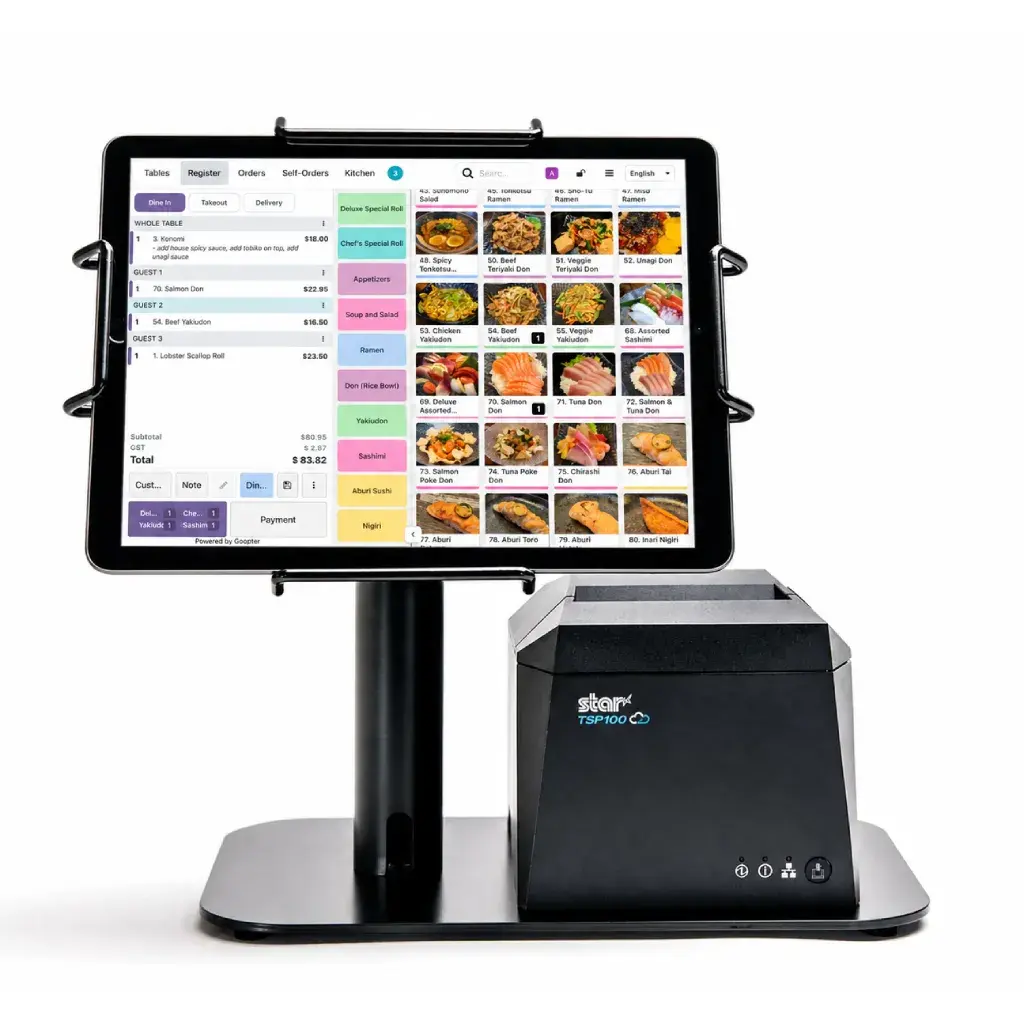
Every Smart POS feature, with a touch-first interface your staff already understands.
Mount it at the counter for checkout, or carry it to the table to take orders and send them straight to the kitchen.
Run on its own with Goopter's cloud platform, or connect to a Smart POS Duo or Solo main server for on-premises deployment.
Pair with ESC/POS receipt and kitchen printers, a cash drawer, a Zebra barcode scanner, and Clover Flex or Clover Mini payment terminals.
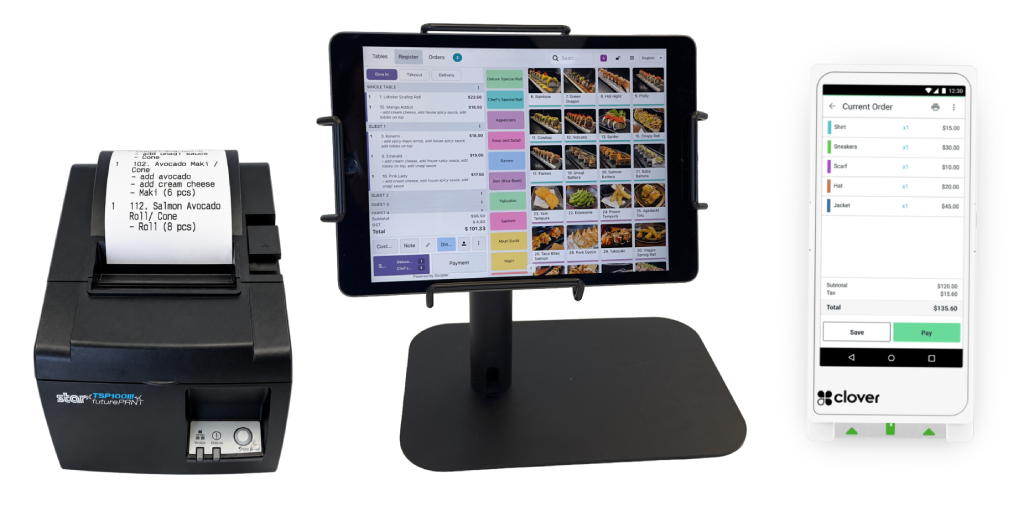
Manage orders, payments, inventory, customers, discounts, promotions, taxes, and tips exactly as you would on a Smart POS terminal.
Use an iPad you already own or a widely available model instead of a dedicated terminal, an easy way to open a new location or add a second checkout.
Orders and sales from every iPad appear in the same Goopter system as your countertop terminals, kiosks, and displays.
Servers take orders directly at the table, so nothing gets lost between the guest and the kitchen.
Orders flow instantly to your kitchen printer or Goopter Smart KDS the moment they are submitted.
No re-entering orders at a terminal means less walking, fewer mistakes, and quicker service.
All three run the same Goopter Smart POS. Choose by where and how you will use it.
| Smart POS Duo / Solo | Smart POS for iPad | Smart POS for iPhone | |
|---|---|---|---|
| Form factor | All-in-one countertop terminal | Tablet, on a countertop stand or handheld | Handheld phone |
| Built-in receipt printer | Yes | Pair an external printer | Pair an external printer |
| Customer-facing display | Duo: integrated | — | — |
| On-premises main server | Yes | Connects to a Duo/Solo server, or runs in the cloud | Connects to a Duo/Solo server, or runs in the cloud |
| Table-side ordering | Add iPad or iPhone | Yes | Yes |
| Best for | Primary front counter | Counter checkout and table-side ordering | Table-side, line-busting, and mobile service |
Specifications for Smart POS for iPad.
Yes. Smart POS for iPad runs the complete Goopter POS and can operate on its own with Goopter's cloud platform. Many businesses also pair it with a Smart POS Duo or Solo as the main server for on-premises deployment.
No. The iPad can run standalone in the cloud. A Duo or Solo is recommended if you want an on-premises server that keeps operating during Internet outages.
Yes. Any iPad with at least 32 GB of storage running iPadOS 18 or later.
Pair the iPad with any ESC/POS-compatible receipt printer, including Star and Epson thermal models, or use a Smart POS Duo or Solo's built-in printer within the same system.
Yes. Payments are processed through a connected Clover Flex or Clover Mini payment terminal.
Tell us how you would like to use it, at the counter, table-side, or both, and we will help you set it up.