
Order first, pay later, and reorder whenever they like.
The Goopter Smart Table-Side Kiosk lets dine-in guests place orders directly from a tablet or iPad at their table. Guests browse the menu, submit orders, add more rounds throughout the meal, and request assistance from the device, all with a convenient order-first, pay-later flow that suits full-service restaurants. By letting guests handle routine ordering and service requests themselves, you reduce repetitive staff workload and make it easier for guests to order more.
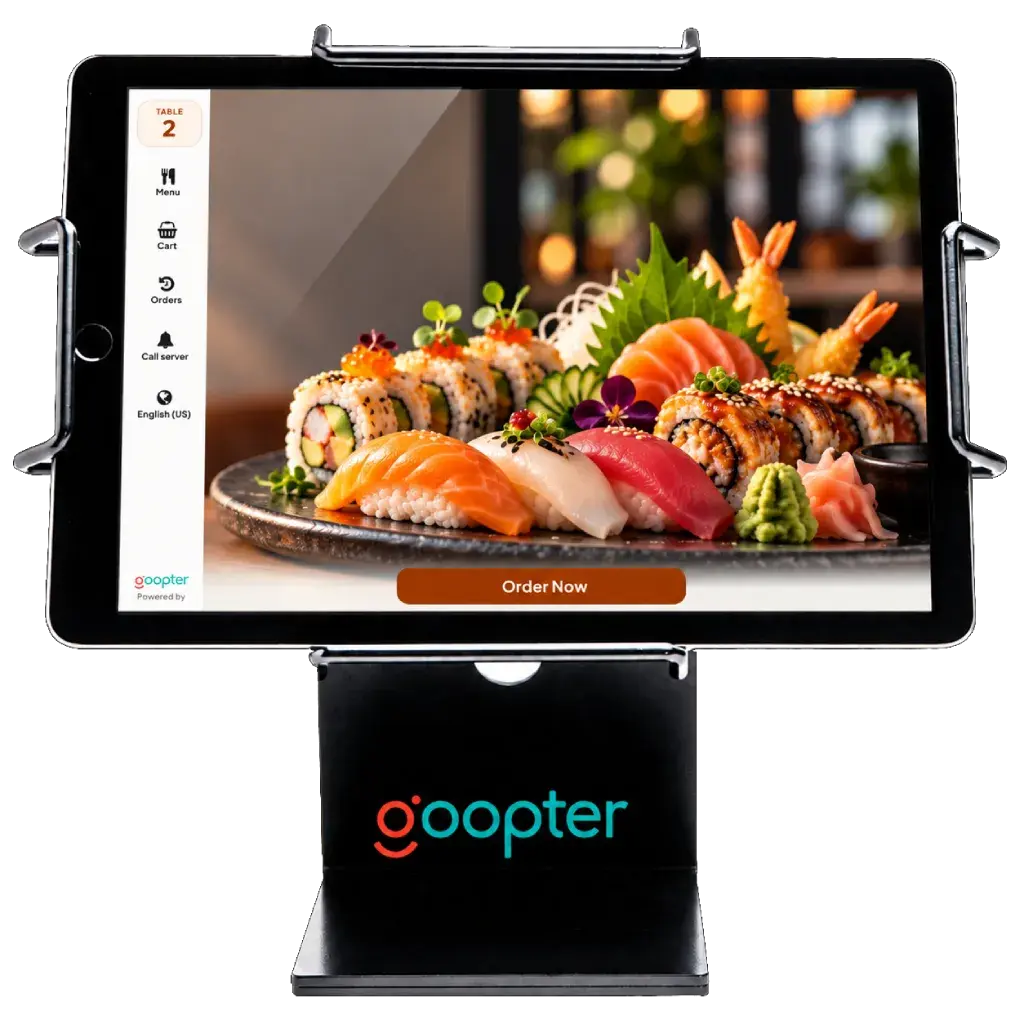
Guests browse the menu and order from a tablet or iPad without waiting for a server.
Keeps the traditional dine-in experience: order as you go, settle the bill at the end.
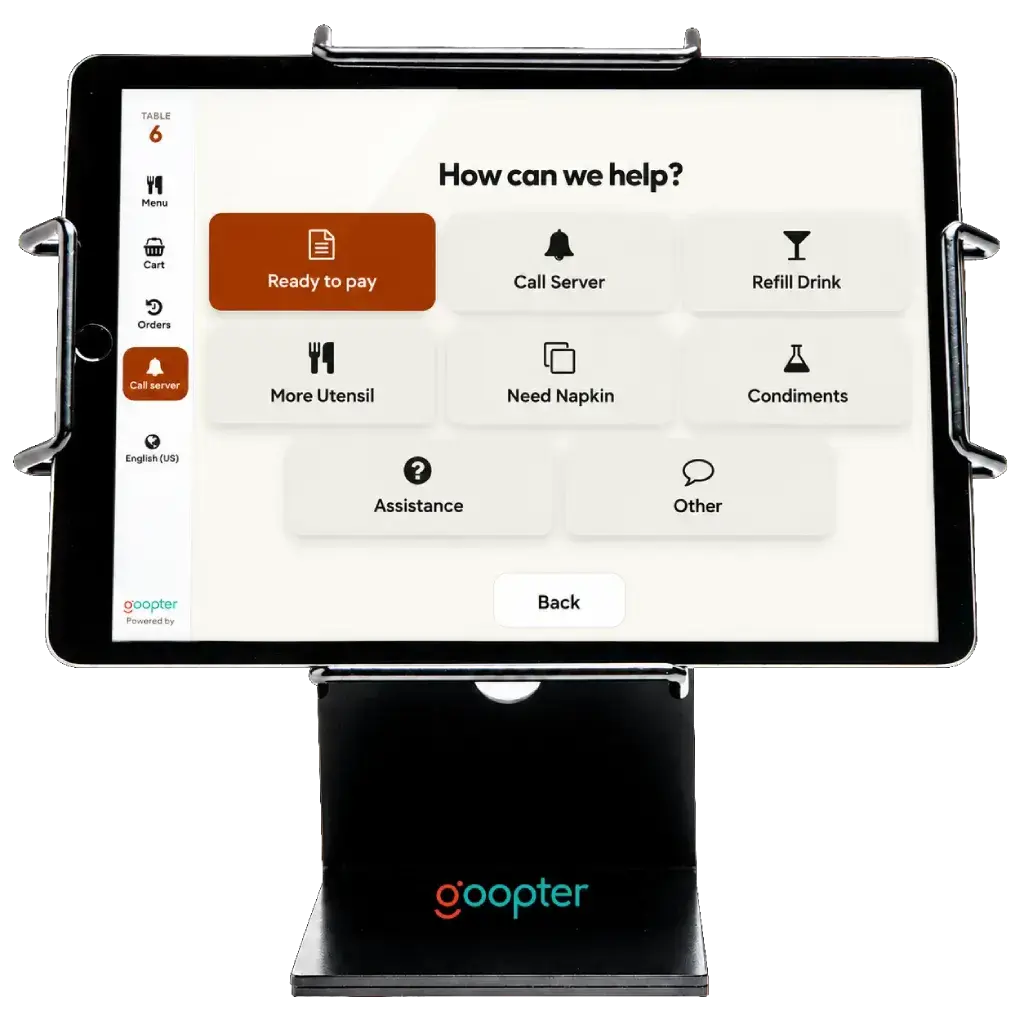
Guests request assistance, water, the bill, or other services from the device.
Orders flow directly to the Goopter POS, kitchen printer, or Smart KDS.
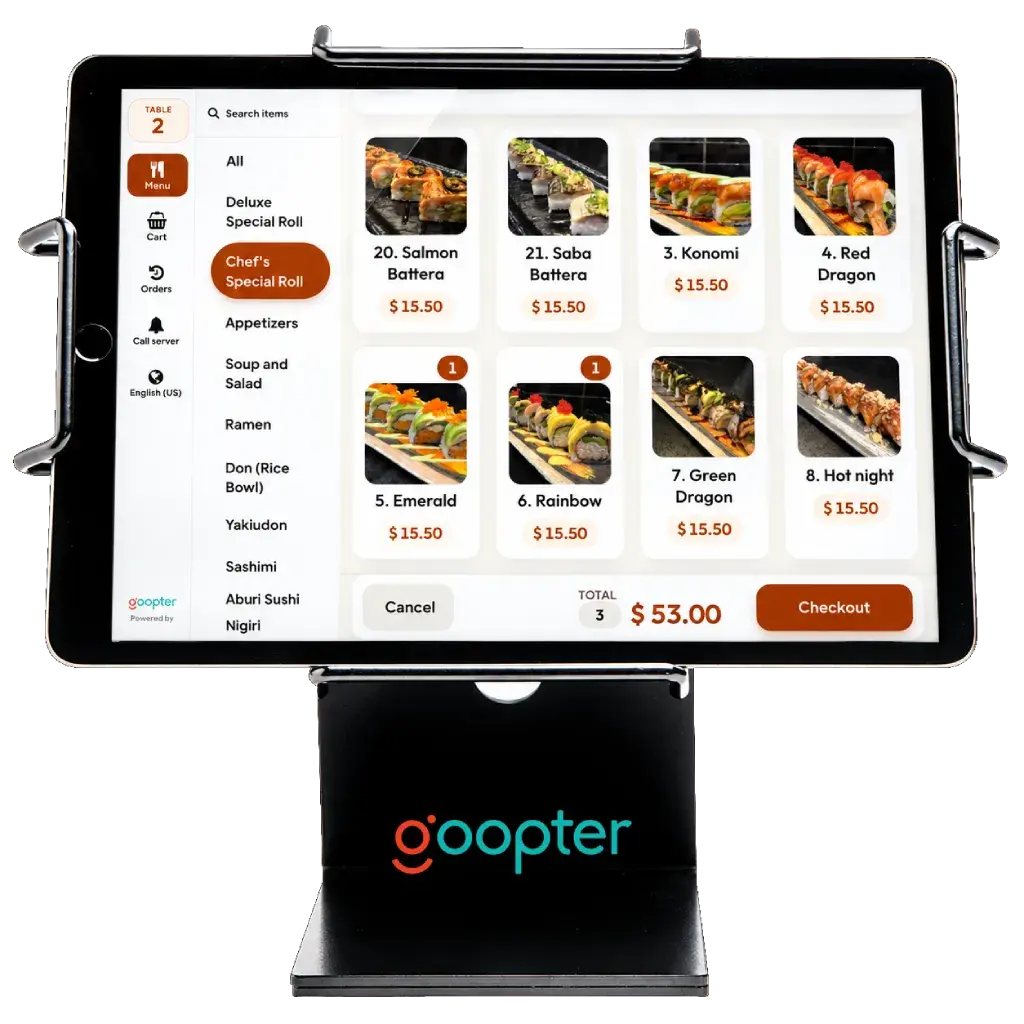
Guests browse the menu and place orders directly from a tablet or iPad.
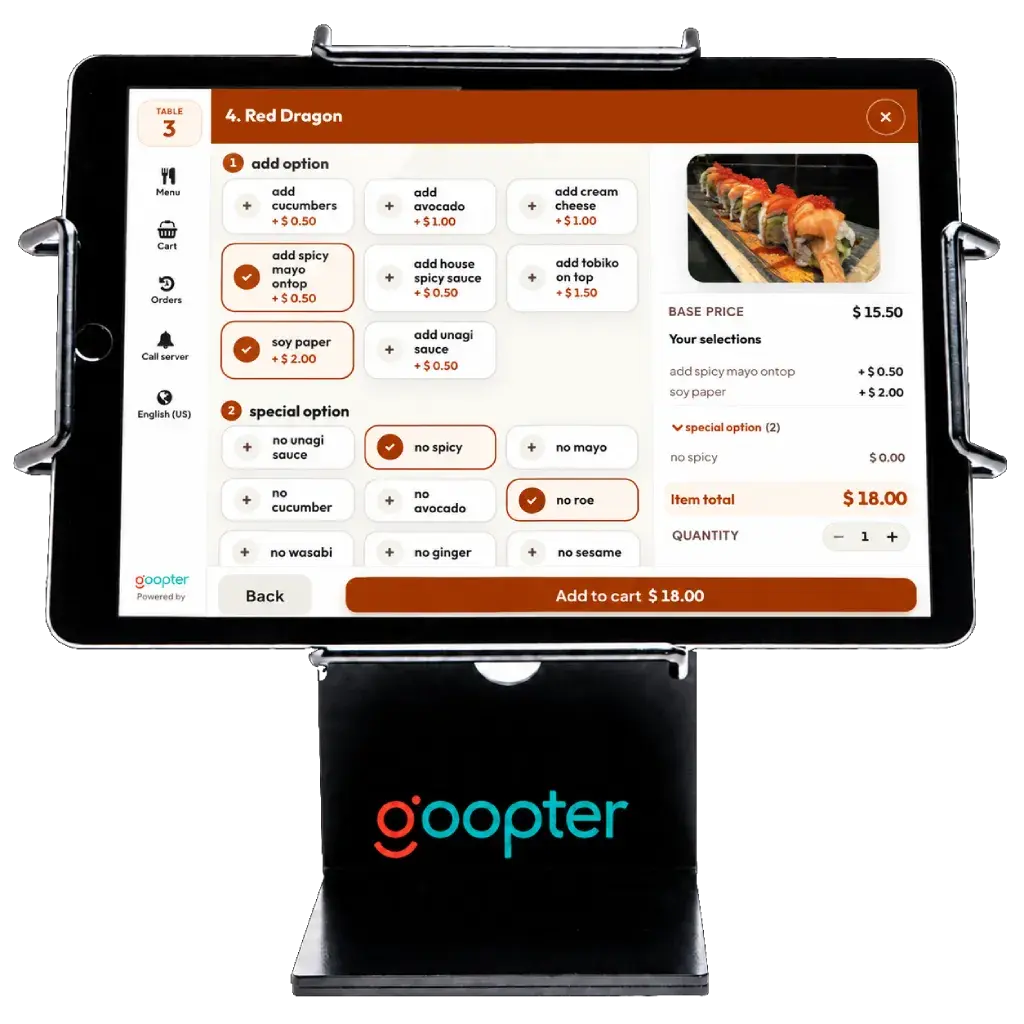
Submit an initial order, then keep adding drinks, sides, and desserts throughout the meal.
Guests enjoy the traditional dine-in experience with the convenience of digital ordering.
Guests request assistance, water, the bill, or other supported services directly from the table-side interface.
Minimize repetitive order-taking so servers can focus on hospitality and customer service.
Guests can browse and add items whenever they like, with no waiting for a server to come by.
Orders entered by guests themselves reduce misunderstandings and manual re-entry.
Both let customers order for themselves. Choose by how your customers dine.
| Smart Table-Side Kiosk | Smart Self-Service Kiosk | |
|---|---|---|
| Where it lives | At each table | At the counter or entrance |
| Ordering flow | Order first, pay later, with multiple rounds | Order and pay in one visit |
| Payment | Settled at the end with staff on Smart POS | Integrated payment through a Clover Flex or Clover Mini terminal |
| Service requests | Call server, request water or the bill | — |
| Hardware | iPad (10-inch, 32 GB+, iPadOS 18+) in a table stand or enclosure | iPad (10-inch+, 16 GB+, iPadOS 18+) or touchscreen PC (15-inch+, 8 GB RAM, 64 GB storage) |
| Best for | Full-service and casual dining restaurants | Quick-service restaurants, cafés, food courts, and takeout |
Specifications for the Smart Table-Side Kiosk.
The Table-Side Kiosk uses an order-first, pay-later flow. Guests order throughout the meal and settle the bill at the end with staff on Smart POS.
Yes. Guests can add items as many times as they like during the meal.
An iPad with a 10-inch screen, at least 32 GB of storage, and iPadOS 18 or later, mounted in a table stand or enclosure.
Directly into the Goopter POS and on to your kitchen printer or Smart KDS.
Yes. Guests can call a server, request water or the bill, or ask for other supported services from the tablet.
See how the Table-Side Kiosk fits your dining room and your service style.